Cyrus Kiani
Founder / CEO



Key Takeaways
Point | Details |
|---|---|
Prerequisites | Collaborative tools, clear user requirements, and Agile knowledge form the foundation for effective workflows. |
Core Workflow | Iterative design cycles, prototyping, and continuous team collaboration drive successful execution. |
Common Pitfalls | Unclear requirements, poor communication, and neglecting mobile responsiveness cause 40% of delays. |
Workflow Options | Modular design reduces redesign effort by 40%; Agile workflows maximize iteration flexibility. |
Expected Results | Up to 60% fewer costly changes and 25% higher user retention with structured workflows. |
Prerequisites: What You Need Before Starting
Before launching into web app design, you need the right foundation. Success starts with collaborative design tools that enable real-time teamwork. Choosing the right design tools significantly impacts workflow efficiency, with tools like Figma preferred by 70% of startups for real-time collaboration. Platforms like Figma and Jira create synchronized environments where designers, developers, and product managers work together seamlessly.
Clear, documented user requirements are your roadmap. Gathering these early prevents 40% of project delays that plague startups who skip this step. You need explicit documentation of user needs, pain points, and expected behaviors before any design work begins.
Your team needs basic knowledge of Agile methodologies and UX principles. These frameworks support the iterative design cycles that make modern workflows effective. Understanding sprints, stand-ups, and user-centered design thinking helps everyone contribute meaningfully. Form cross-functional teams that include design, development, and product management roles to ensure all perspectives inform decisions.
Key elements you need:
Collaborative design platforms like Figma or Sketch for real-time updates
Project management tools such as Jira or Trello for task tracking
Clear documentation of user requirements and acceptance criteria
Team members trained in Agile and UX fundamentals
Shared design system documents accessible to all stakeholders
Pro Tip: Regularly update and share design system documents to align team understanding and reduce rework. When everyone references the same component library and style guide, you eliminate inconsistencies that create extra development cycles.
Integrating best UI design practices and understanding the importance of accessibility in design from the start saves significant time later. Researching options like choosing the right mobile app framework early helps align design decisions with technical feasibility.

Core Steps in Web App Design Workflow
With prerequisites established, you can execute an effective workflow. These steps form the backbone of successful web app design for startups seeking streamlined development.
Establish Clear User Requirements: Start by documenting who your users are, what problems they face, and how they expect to solve them. This alignment step ensures all stakeholders share the same vision. Hold kickoff workshops where design, development, and product teams collaborate to define acceptance criteria.
Set Up Collaborative Tools: Configure your design and project management platforms immediately. Connect Figma to Jira so design updates trigger automatic notifications for developers. This synchronized environment enables real-time updates and prevents version control issues.
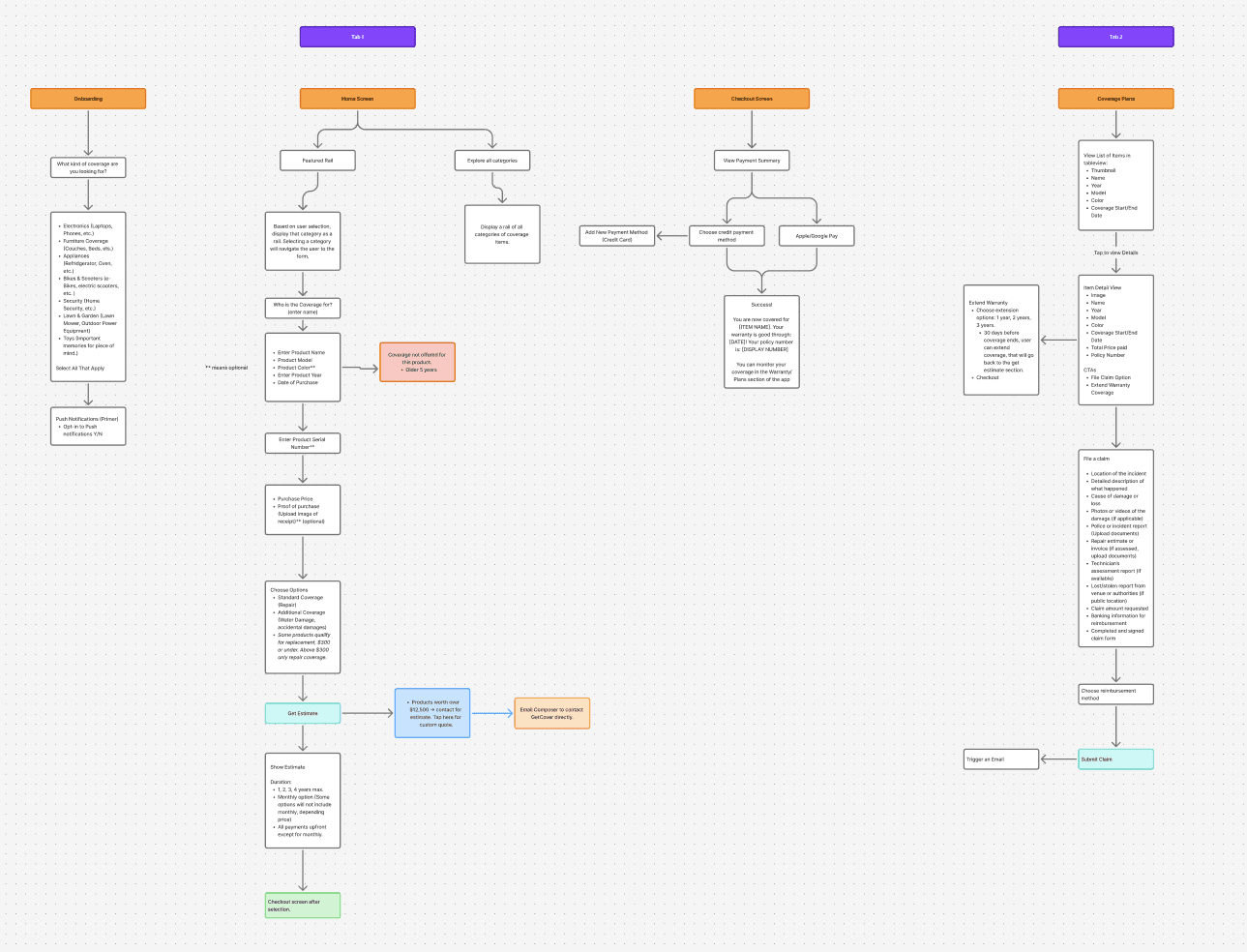
Use Iterative Design Cycles: Plan sprints of 2 to 4 weeks where you design, prototype, gather feedback, and refine. Integrating prototyping and usability testing early in the design workflow can reduce costly changes during development by up to 60%. Each cycle should include user testing sessions that validate assumptions before committing to code.
Conduct Early Prototyping: Create clickable prototypes using your design tool before writing production code. Test these with real users to catch navigation issues, confusing interfaces, and missing features. Early discovery prevents expensive development rework.
Maintain Ongoing Collaboration: Schedule daily stand-ups or async check-ins where designers share progress and developers flag technical constraints. This continuous dialogue prevents siloed work that leads to misalignment.
Track Success Metrics: Monitor user onboarding completion rates, feature adoption, and drop-off points after launch. These metrics reveal whether your design decisions translate to positive user experiences.
Key workflow components:
Regular feedback sessions every 2 to 4 weeks
Usability testing with actual target users
Shared prototypes accessible to all team members
Documented design decisions and rationale
Performance tracking dashboards visible to stakeholders
Pro Tip: Schedule fixed feedback sessions within iterative cycles to avoid feedback lag and scope creep. When feedback arrives on a predictable schedule, you can plan design iterations without derailing development timelines.
Partnering with an award-winning app design agency can accelerate these steps by bringing expertise to each phase. Reviewing top app development agencies helps you understand what professional support looks like. Understanding app revenue challenges motivates careful workflow planning from the start.
Common Mistakes and How to Fix Them
Even with a solid plan, startups stumble over predictable pitfalls. Recognizing these mistakes helps you avoid costly detours.
Unclear or incomplete user requirements lead to doubled project timelines. When teams start designing without documented user needs, they build features based on assumptions rather than evidence. Lack of clear requirements causes timeline doubling in 40% of projects. Fix this by conducting thorough user research upfront and documenting findings in shared repositories everyone can reference.
Poor communication between design and development causes 35% of rework. Designers create interfaces that developers cannot feasibly build, or developers implement features without understanding design intent. Bridge this gap by integrating communication tools that connect design files directly to development tasks. Hold regular sync meetings where both teams review work together.
Neglecting mobile responsiveness increases abandonment rates by 50%. Startups often design for desktop first, then struggle to adapt layouts for mobile screens. Since most users access web apps on phones, this approach fails immediately. Adopt mobile-first design where you start with small screens and progressively enhance for larger displays.
Rigid adherence to inflexible workflows ignores startup needs for agile iteration. Some teams follow waterfall processes that delay feedback until after development completes. This approach multiplies the cost of changes discovered late. Embrace iterative cycles that incorporate user feedback continuously throughout design and development.
Common mistakes to avoid:
Starting design work before gathering user requirements
Siloing design and development teams without regular communication
Designing only for desktop without mobile considerations
Following rigid waterfall processes that prevent mid-course corrections
Skipping usability testing until after launch
Avoiding UI design mistakes and accessibility pitfalls requires awareness and proactive planning. Learning from common project delays helps you anticipate problems before they derail progress.
Alternative Approaches and Tradeoffs
Different workflow models suit different startup contexts. Understanding options helps you choose the approach that matches your priorities.
Modular workflows organize design around reusable components and design systems. You build a library of UI elements that designers and developers reference throughout the project. Modular design reduces redesign effort by 40% but requires upfront planning. This approach supports scalability because new features reuse existing components. However, you need strong initial investment to define the design system before building features.
Waterfall workflows follow linear, sequential phases where design completes entirely before development begins. Each phase must finish before the next starts, creating clear handoffs but delayed feedback incorporation. This model works when requirements are completely stable and unlikely to change. For most startups, waterfall increases the risk of costly late changes because users cannot interact with designs until development finishes.
Agile UX workflows enable iterative design and feedback loops every 2 to 4 weeks. You design, prototype, test, and refine continuously throughout development. This approach promotes flexibility and early problem detection. Teams catch usability issues during design sprints rather than after launch. Agile demands discipline to maintain regular feedback cycles and avoid scope creep.
Workflow Model | Benefits | Limitations | Best For |
|---|---|---|---|
Modular | 40% less redesign effort, scalable, consistent UI | Requires upfront planning, slower initial setup | Growing startups planning long-term product evolution |
Waterfall | Clear phases, predictable timelines | Delayed feedback, costly late changes | Projects with completely stable requirements |
Agile UX | Continuous feedback, early problem detection, flexible | Requires team discipline, can lead to scope creep | Startups needing rapid iteration and MVP validation |
Choice depends on your startup goals. Rapid MVP launch favors Agile because you can test assumptions quickly with users. Growth scalability favors Modular approaches that establish reusable patterns from the start. Design tradeoffs impact maintainability, speed, and team coordination demands.
Key considerations:
Modular workflows need design system investment before feature work begins
Waterfall suits rare cases with unchanging requirements
Agile requires regular user testing and feedback integration
Hybrid approaches combine modular components with agile iteration
Exploring mobile app frameworks and product design expertise helps you evaluate which workflow models align with your technical choices. Understanding modular design benefits informs strategic decisions about upfront investment versus iterative flexibility.
Expected Results and Measurable Outcomes
Implementing a structured workflow produces tangible benefits you can measure. Setting realistic expectations helps you track progress and justify investment.
Average web app design workflow duration ranges from 3 to 6 months depending on complexity. Simple MVPs with core features take closer to 3 months, while feature-rich applications with complex interactions extend toward 6 months. This timeline includes user research, iterative design cycles, prototyping, testing, and handoff to development.
Iterative user feedback cycles can reduce post-launch revisions by up to 50%. When you test prototypes with users during design sprints, you catch usability problems before committing to code. Typical workflow duration is 3 to 6 months; iterative feedback reduces revisions by up to 50%; defined UX metrics improve user retention by 25%. This dramatic reduction in rework saves both time and budget.
Using defined UX success metrics improves user retention by 25%. Track onboarding completion rates to see how many users finish setup. Monitor drop-off points where users abandon tasks to identify friction. Measure feature adoption rates to understand which capabilities deliver value. These metrics guide design improvements that keep users engaged.
Integrated collaboration tools speed feature delivery by approximately 30%. When design files connect directly to development tasks, teams spend less time searching for specifications and more time building. Automated notifications keep everyone informed of changes without extra meetings.
Metric | Baseline | With Structured Workflow | Improvement |
|---|---|---|---|
Post-Launch Revisions | High rework cycles | 50% reduction | Major time and cost savings |
User Retention Rate | Standard engagement | 25% increase | Better product-market fit |
Feature Delivery Speed | Standard velocity | 30% faster | Competitive advantage |
Project Timeline | Variable completion | 3 to 6 months | Predictable planning |
Key outcomes to track:
Reduction in post-launch revision cycles
User onboarding completion percentages
Drop-off rates at critical user journey points
Time from design completion to feature launch
User satisfaction scores and Net Promoter Score
Understanding mobile app market trends helps contextualize your results within broader industry patterns. Recognizing how digital strategy benefits compound over time motivates consistent workflow investment.
How TouchZen Media Enhances Your Web App Design Workflow
Implementing these workflows requires expertise and dedicated resources that many startups struggle to maintain in-house. TouchZen Media offers expert support to implement effective design workflows tailored for startups.
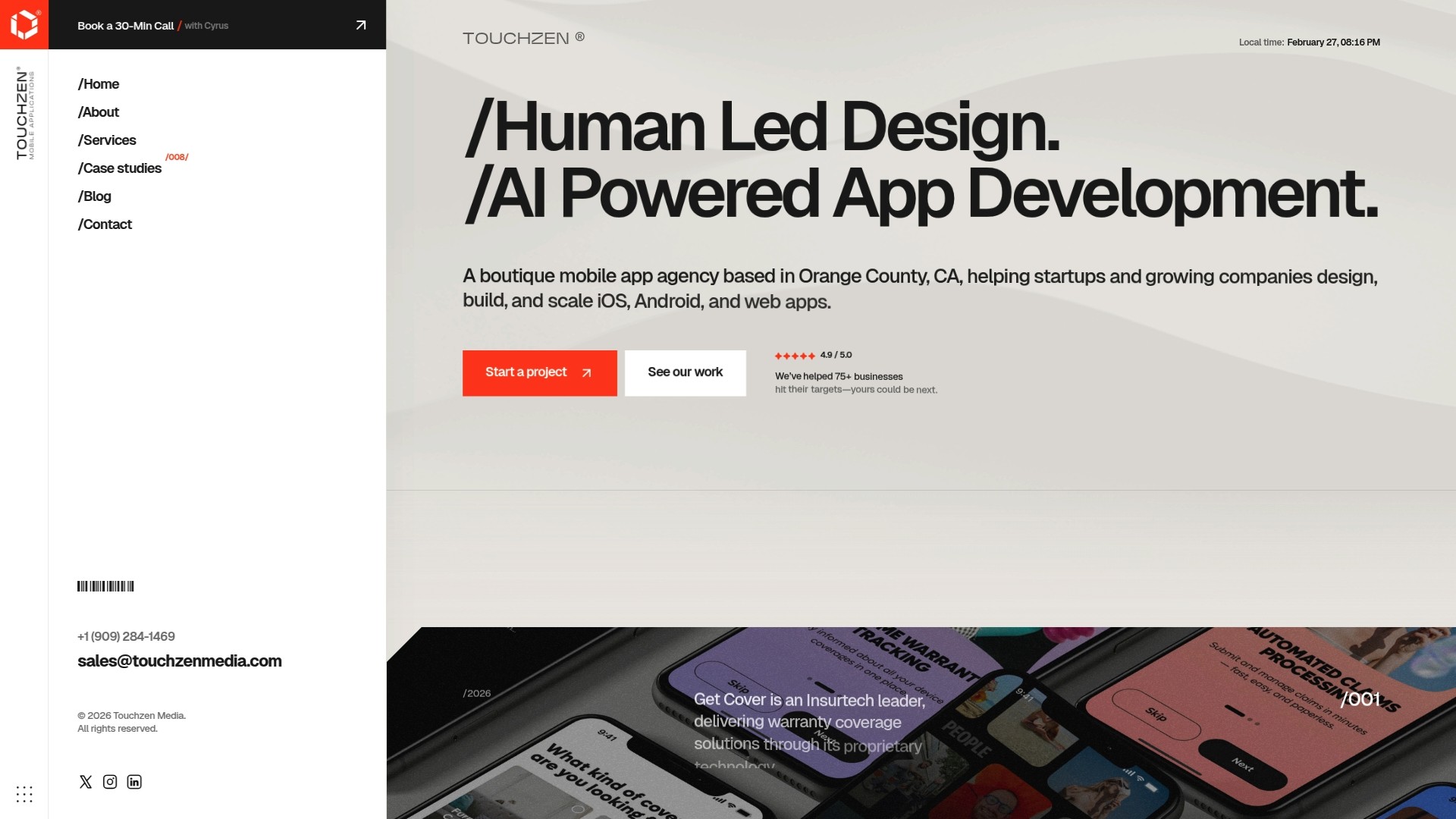
Our team integrates best practices such as iterative user feedback and cross-functional collaboration into every project. We bring experience from hundreds of web and mobile app launches across industries including insurance, health, travel, and fitness. This breadth of expertise helps us anticipate challenges before they impact your timeline.
We emphasize direct communication with senior developers and designers, ensuring your vision translates accurately into working software. Our collaborative approach means you participate in regular design reviews and feedback sessions rather than waiting months for a big reveal. Explore our services on choosing the right mobile app framework, accessible mobile app design, and partnerships with top app development agencies) to see how professional guidance accelerates your product journey.
Frequently Asked Questions
What is the ideal team size for a startup web app design workflow?
A core team of 4 to 6 people works well for most startups: 1 to 2 designers, 2 to 3 developers, and 1 product manager. This size enables close collaboration without communication overhead. You can scale up as complexity increases, but start lean to maintain agility.
How often should user feedback be collected during design?
Collect user feedback every 2 to 4 weeks during iterative design cycles. This cadence lets you incorporate insights without disrupting development velocity. Schedule fixed testing sessions so users know when to expect requests and your team can plan around feedback integration.
Can startups use the same workflow for MVP and future product iterations?
Yes, the core workflow remains consistent but scales in scope. MVP workflows focus on validating core assumptions with minimal features, while later iterations add complexity and refinement. The same principles of user feedback, iterative cycles, and collaboration apply throughout your product lifecycle.
What are the best tools to integrate design and development workflows?
Figma paired with Jira or Linear creates strong integration between design and development. Figma enables real-time design collaboration, while project management tools track implementation progress. Plugins that sync Figma frames to development tickets automate handoffs and keep teams aligned.
How do you measure if a design workflow is successful?
Track reduction in post-launch revisions, user retention rates, and feature delivery speed. Successful workflows show fewer bug reports related to usability, higher user onboarding completion, and faster time from design to deployment. Gather team feedback on communication quality and process friction points to identify ongoing improvements.